
Have you been experimenting with creating your own video resources? Ready to try some new tricks? The CTE is piloting a program to assist faculty in creating video for their online course sites by providing a kit of simple, relatively low cost equipment to sign out and try at home. This equipment won’t turn your home into a studio but it will improve the sound and look of your videos and give you a chance to try out some simple upgrades to your setup.
The equipment includes:
- a YETI microphone,
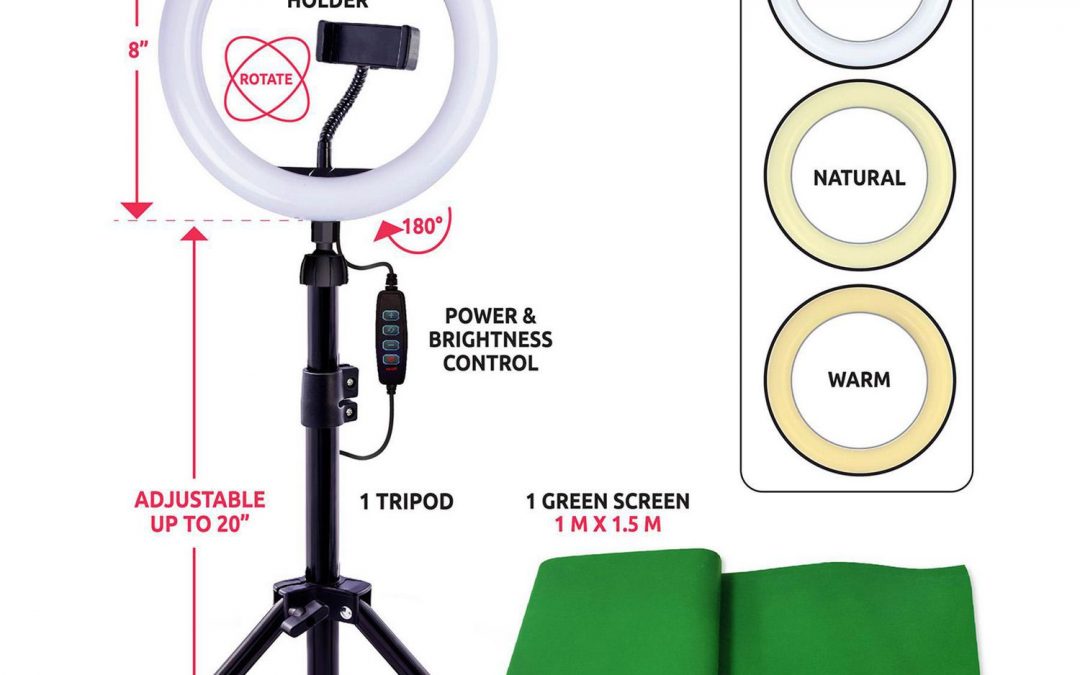
- a simple ring light and tripod
- a green screen and
- a high definition web camera.
You can borrow some, or all of, the equipment in the kit to try out a new set up at your home or office. All of the equipment will plug into USB ports on your laptop or computer.
Take a selfie of yourself using the equipment in your home studio and enter a draw to win a free Yeti microphone!
We’ve also developed a new self-paced online workshop to help faculty with the planning and design of their video content, from short screencasts to more ambitious productions, using promising practices developed in post secondary institutions.
Creating Video for Online Learning
By the end of this workshop you will be able to:
- Identify opportunities for using video in your course effectively
- Identify different types of shots and when to use them
- Use a template to create a basic script and shot list
- Set up your camera, lights and audio equipment
- Make some basic edits and enhancements to your video
Interested in learning more? Contact us at edtech@capilanou.ca.
Recent Comments